

Tethering 101
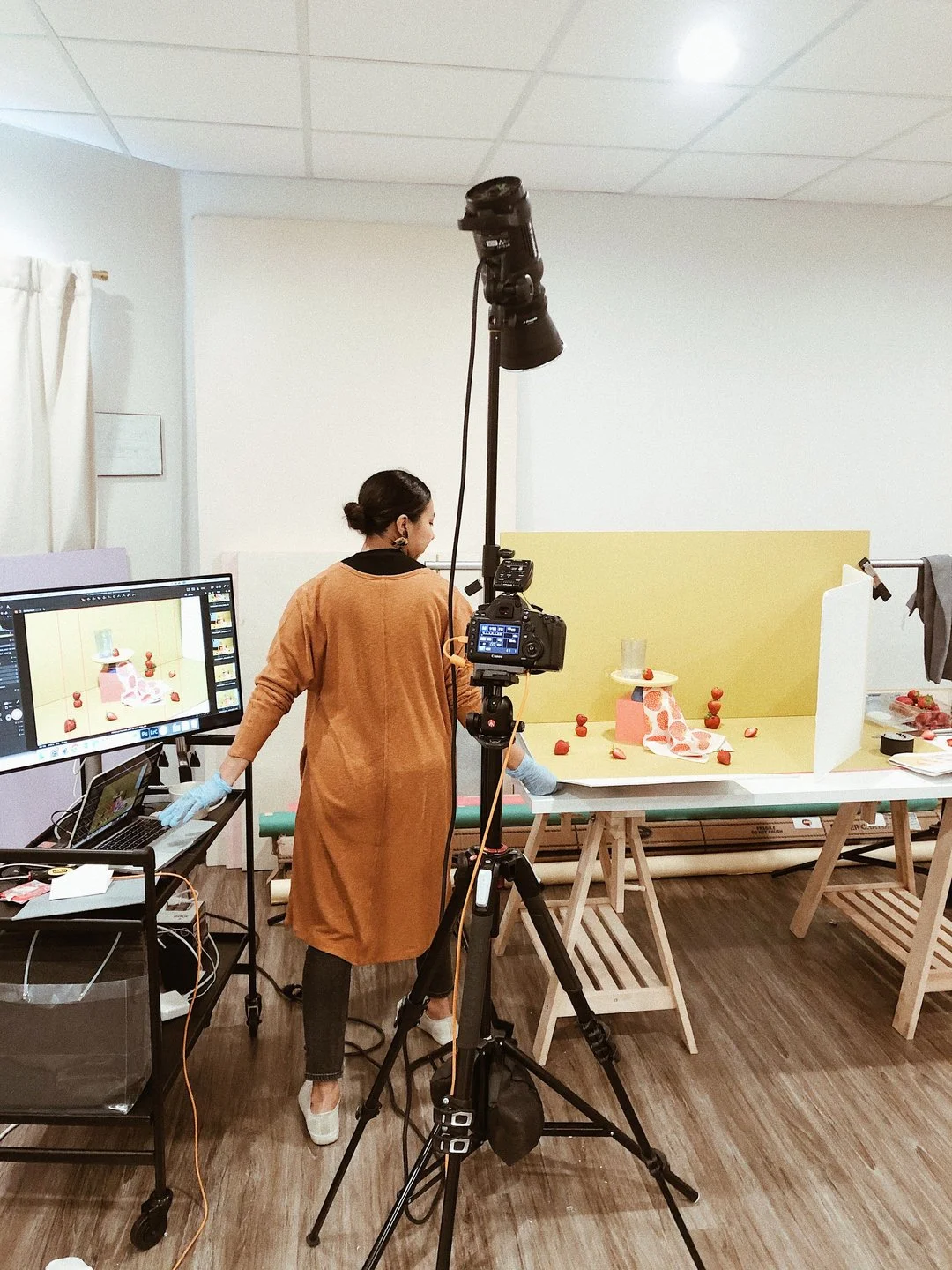
Hey guys! Hope your week is off to a good start. We're in the middle of moving spaces right now so it's been pretty hectic. I'm currently using a hotspot here at our new space to get some work done while we wait to get new internet installed. Sigh! If only moving wasn't such a big grueling task haha. Anyway, I wanted to get into the topic of tethering because it's one of those things that makes our lives SO much easier and if you're not already tethering during shoots, then this post is 100% for you. My hope is that I can motivate you to start tethering for yourself because I promise you that it will help your shooting workflow tremendously. If you've checked out our blog before, you may have read our post on why we can't work without using Capture One and I highly suggest checking it out because it's our favorite program to use to tether our shoots.
Tethering, simply put, is the ability to connect your camera to a computer or laptop to display and save the images that you are capturing as you're photographing them. It's pretty typical for product photographers to tether their shoots more often than other types of photographers. I shoot portraits on the weekends (even though our product photography agency is called Weekend Creative... haha!) and I definitely don't have the time or the fancy setup to be tethering for each portrait session as it also limits my movement. And I move A LOT! This sort of practice will probably be the most helpful to still life, commercial, and product photographers because of the nature of their shoots.
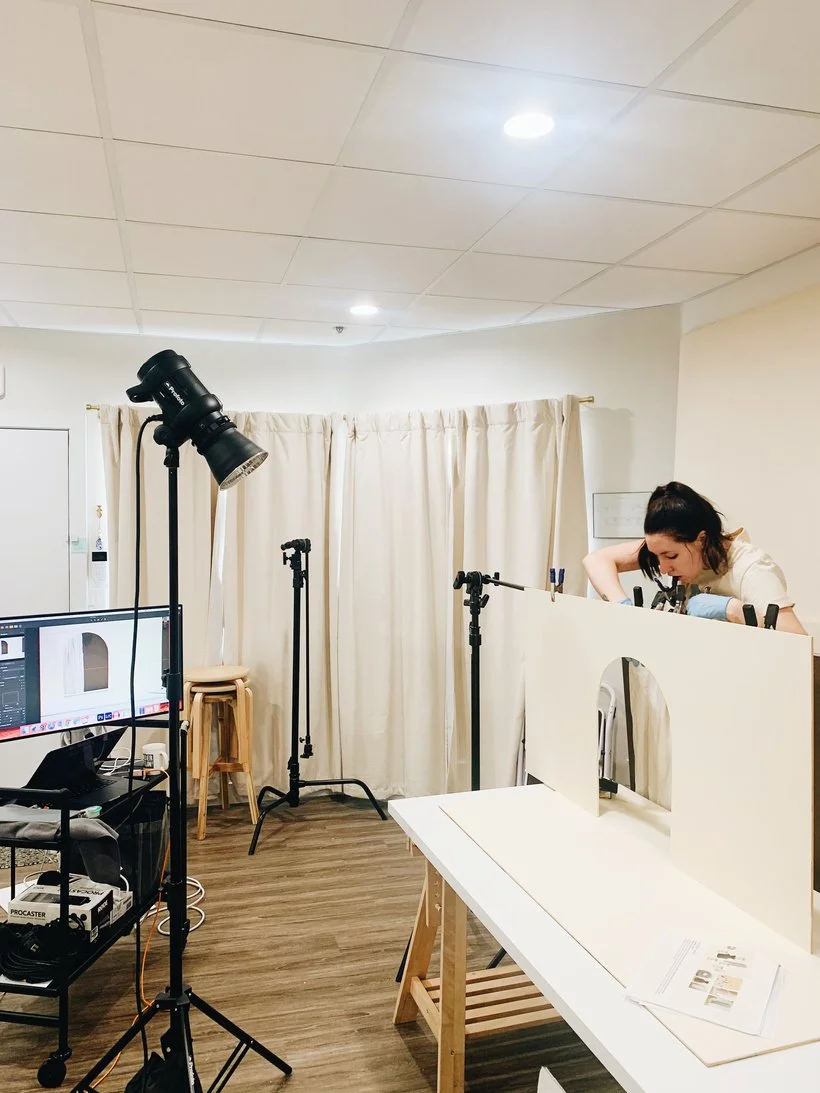
Why tether? As product photographers, we're always paying attention to details, right? Our task is to tell a photographic story about the products we are shooting. This requires us to be intentional with how we want that story to be told through composition, lighting, placement, posing, and more. Well, I hate to break it to you but that tiny little screen on the back of your camera is probably not going to cut it. And those details that you missed are going to haunt you later in the post-production phase. I'm not sure about you but if I could save myself a bit of time adjusting something during the actual shoot, I will 10000% do it. A photography professor in college taught me that you should aim to capture the best possible photo in camera because there are certain things that you may not be able to fix in post or will cost you a lot of unnecessary time to correct. Always do your best to get everything right in camera and you'll honestly thank yourself later.
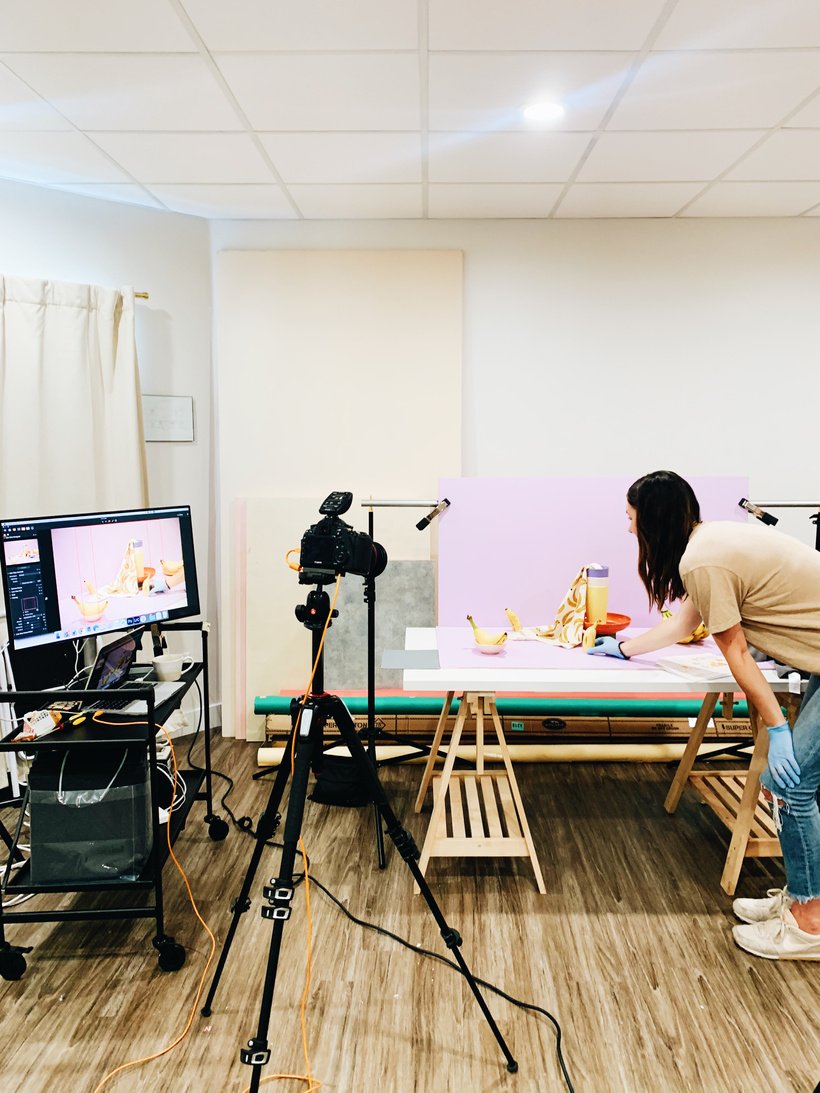
That's where the magic of tethering comes into play. No more awkwardly zooming in or squinting at your camera's LCD screen to check whether you "got the shot." Not only will you be able to see your images on a larger screen to better catch details but you'll also be able to reduce the amount of time you spend taking extra shots to get to the final one. Being able to review your images right away is also really great when you're working with clients and various creative partners. Seeing the work straight out of camera will help them feel confident in what you're producing and gives them a chance to share necessary feedback. Another great reason to tether is that it just honestly makes your workflow easier. You'll spend less time transferring photos from your memory card because they'll already be saved onto your hard drive and named correctly. It's a win, win, win! 😅
So what do you *actually need* to tether... Well, you'll need a tether cable and a tether block. The tether cable comes in many different lengths and for various different USB ports so make sure to do your research on which one you'll need for your camera because it definitely matters! Some might argue that the tether block isn't TOTALLY necessary but I would actually argue against that. Let's say you're shooting a model shoot in studio and you happen to trip or pull on your tether cable. You also weren't using a tether block. Well, you probably damaged your camera's sensitive data port and now you'll have to spend some time and money to ship your camera off to get it repaired which usually costs a pretty penny. Not fun! Save yourself the trouble and just get the damn tether block. Aside from preventing damage to your data port, you'll also keep the cable connected and secured to your camera. Nothing is more frustrating than your cable becoming unplugged accidentally. Whether you're shooting handheld or using a tripod, these two items are *must haves* if you want to protect your equipment from damage. We bought ours several years ago and have not had to replace it yet. We likely won't have to for a long time so it's been totally worth it to us. Shoutout to our friend Paul of Blink Creative Agency who graciously allowed us to rent his studio in our early days (before Little Sunday Studio existed) and told us about the tether block. 😊
Aside from those two tether tools (cable and block) you'll want to have some kind of program that allows you to tether. The most economical option would probably be the tethering software that your camera came with which will get the job done but may not give you the most versatility or control. The second best economical option would be to use Lightroom if you're already paying for an Adobe Creative Cloud subscription. This may be an intriguing option for many if your workflow typically includes editing your images with Lightroom. I would definitely recommend this option over using the camera's basic tethering software because you have a lot more options as far as file and editing organization. Lightroom was actually the first program we used to tether our shoots but once we discovered Capture One, there was no going back! Capture One has by far been the best tethering software that we have ever used. Like I mentioned, we wrote a whole blog post on it including our favorite features so I'll let you read that whenever you'd like. To keep it short, Capture One is not cheap but it is an investment. It has some of the best tethering features including live view, overlay, and so much more. I would highly recommend it and they have several options for pricing including one-time payments to own a license or subscriptions that can be pre-paid annually.
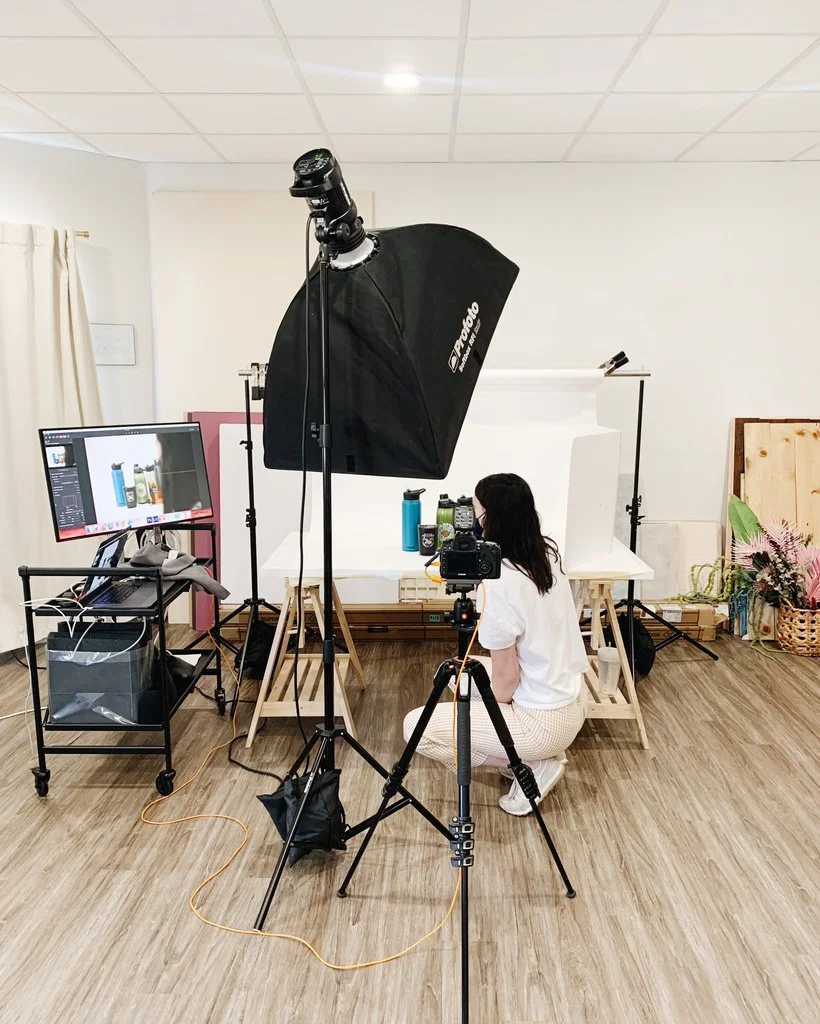
Another thing you may want to consider when tethering is power. Tethering takes quite a bit of energy from your battery especially if you're using any of Capture One's advanced features like the live view feature. Having a few extra batteries on hand will help to make sure you're set and you don't accidentally run out of power mid-shoot. Or you can also get yourself an AC power adapter which will help your camera to run from a standard power outlet. I usually like to just have extra batteries on hand and I notice that we usually take up about 2-3 full batteries in one shoot. For reference, we use Capture One's live view feature for pretty much the entirety of our shoots so you may not need as many batteries as we do but it's always good to have additional power just in case.
A few tethering *nice-to-haves* would be a rolling laptop stand to help bring your laptop or monitor closer to your set when styling and a sturdy tripod for product shoots to help you keep things stable and secure. Lastly, something I learned about tethering from our early days which I also mention in that blog post is that in order for your camera to have a strong and stable connection to your laptop, your memory card port needs to be completely empty. In the past, anytime I had memory cards (SD or CF) inside, the connection wasn't great and sometimes my camera wouldn't show up in the program which was super frustrating. Then I realized that it was the memory cards that were disrupting the connection which makes sense because that's the whole point of tethering aka sending your captured images directly to your laptop. It was kind of a dumb realization but if I can help one person not deal with the frustration, then great. Haha! 😅
Well, that's it guys! Thanks for making it all the way through and we hope this was helpful if you were considering tethering for your shoots. Let us know if you have any cool tips that you've learned when tethering. If you have any questions or comments, drop them below! :)
Is it the weekend yet?
Arabela